How to Choose the Best Cutting Machine for Your Needs?
Choosing the best cutting machine starts with the material, the finished part, and the pace of your work. A small workshop cutting thin acrylic has different needs from a production floor processing thick sheet metal. Match the machine to the job, not just the biggest number on its specification sheet. Details matter.
Manufacturing engineer Shigeo Shingo is often credited with this warning: “The most dangerous kind of waste is the waste we do not recognize.” That idea matters when comparing machines. A low purchase price may hide slow setup, frequent blade changes, or costly material waste. A fast machine may also demand more floor space, power, and operator training than your shop can provide.
Before choosing, consider cutting capacity, accuracy, compatible materials, safety features, maintenance, and available support. Ask how the machine performs on the actual material you use, not only on a clean showroom sample. Check whether replacement parts are easy to obtain. Look closely at the cut edge, too; a rough finish can mean extra sanding or discarded pieces. Not just price.
There is no universal best choice. The right cutting machine fits your workload today while leaving room for realistic growth. Be honest about the jobs you rarely do. Buying for an imagined future can be an expensive mistake, and even a careful checklist cannot predict every production surprise.
What a Cutting Machine Does and Which Materials It Can Process
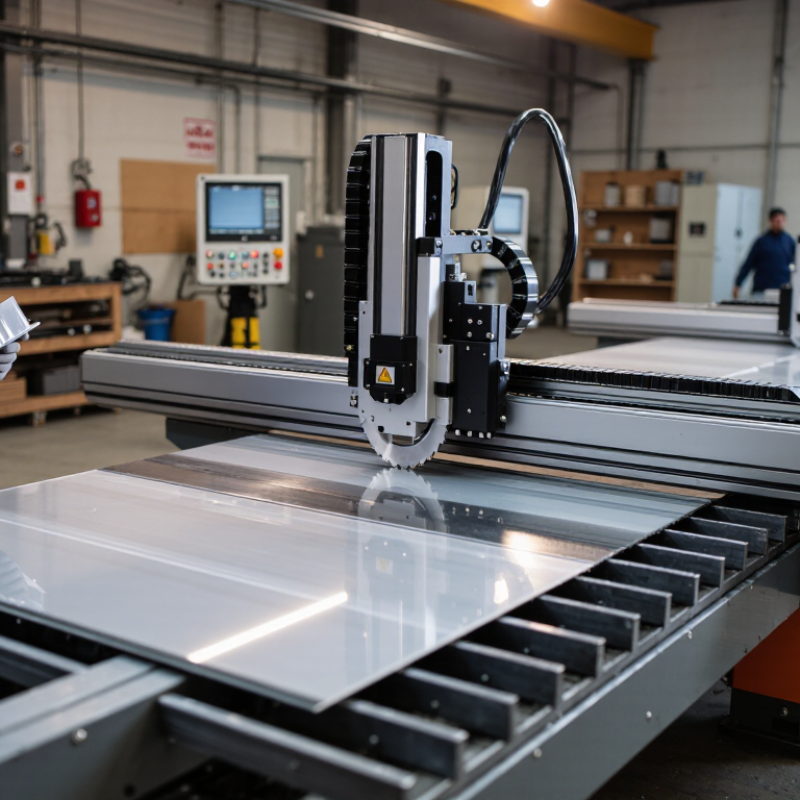
A cutting machine turns a digital design or measured pattern into a physical cut. Depending on its tool, it may use a moving blade, a rotating router bit, or a focused laser. The machine follows programmed paths, helping produce repeatable shapes for signs, packaging, garments, and parts. It does not make every material equally easy to cut. Not even close.
A blade-based machine commonly handles paper, card, fabric, and thin flexible films. A CNC router can cut thicker wood, plastics, and some composite sheets when the bit and settings suit the material. Lasers work well on selected paper, wood, and fabrics, but material coatings and ventilation matter. Avoid materials that release hazardous fumes when heated, and check the machine’s safety guidance. Waterjet systems can cut metal, stone, and other dense materials without relying on heat, though they need specialized equipment. Thickness, hardness, surface finish, and edge quality all affect the result.
The scale of packaging helps explain why material choice matters. Smithers’ 2023 report, The Future of Global Packaging to 2028, estimated the global packaging market at $1.17 trillion in 2023 and forecast $1.42 trillion by 2028. That growth spans very different substrates, not one universal cutting task. A sensible test uses a small sample of the actual stock, including its backing or coating. I would check the edge, debris, and cut depth before committing to a full sheet. A clean preview can still mislead.
What a cutting machine does: It follows a digital design to cut, trim, or shape material. This chart gives a general, qualitative guide to common material compatibility—not a guarantee for every machine. Ratings: 0 = not typically suitable, 1 = limited or specialized use, 2 = commonly suitable, 3 = highly common. Always check the machine’s specifications; never laser-cut PVC because it can release hazardous fumes.
How to Identify Your Projects and Required Cutting Capabilities
Start with the material. A paper label, thick leather panel, and 12 mm plywood need different cutting forces and edge finishes. List your usual materials, maximum thickness, largest workpiece, and acceptable cut tolerance. Then note how many pieces you expect to produce per week. A machine that handles one sheet may struggle with a full production batch. Grand View Research estimated the global laser cutting machine market at USD 5.26 billion in 2023. That figure signals a broad range of equipment, not a reason to choose laser technology automatically.
Match the process to the result. Blade systems suit flexible sheet materials; routers can cut thicker boards; lasers work well for detailed patterns in compatible materials. Waterjet systems can handle many materials, but setup and operating costs deserve attention. Check the usable cutting area, rated material thickness, repeatability, and extraction or cooling needs. Ask for a sample cut using your own material. A clean edge on a display sample can hide scorching, fraying, or slow production on your real project. It is easy to overbuy.
Tips: Write down three common jobs and one difficult job. Compare machine specifications against all four. Leave room for material variation; it happens. If a supplier’s stated tolerance is unclear, ask how and where it was measured.
Which Cutting Technologies and Machine Types Are Available
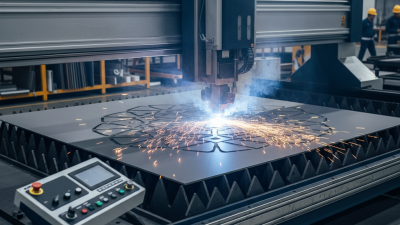
Cutting technologies use different technologies, and each leaves a different result. Laser systems cut by heat, producing clean edges on suitable materials, but heat-sensitive stock may scorch or deform. A knife cutter applies little heat and works well with films, paper, textiles, and flexible sheets. Waterjet systems can handle thicker, hard materials, though they need water management and more floor space. No method suits every material.
Machine design matters just as much. Flatbed cutters hold sheets in place, which helps with repeatable shapes in cardboard or fabric. Roll-fed machines move material continuously, making them practical for long graphics or textile runs. CNC routers use a rotating bit to cut rigid panels; expect noise, dust, and tool changes. Small plotter-style cutters suit lighter work, but their cutting width can become limiting. That matters.
Before choosing, test the actual material and thickness you plan to use. Check edge quality, setup time, extraction needs, and how easily the machine handles a second run. A sample cut can reveal fraying, melted edges, or tiny shifts that specifications may not show. Even a careful comparison can miss one awkward detail: loading time. The most capable machine is not always the most useful one.
How to Compare Specifications, Software, and Operating Costs
How to Choose the Best Cutting Machine for Your Needs?
Compare specifications against the actual materials, thicknesses, and daily workload you expect. A machine’s maximum cutting speed is not the same as its reliable production rate. Ask for a sample cut using your own material, then inspect edge quality, dimensional accuracy, and setup time. Check the working area, tool-change process, and supported file formats. Small details matter. A narrow bed may force extra handling, while a difficult interface can slow a skilled operator. NIST’s Manufacturing Extension Partnership recommends assessing production needs and process capability when selecting manufacturing equipment; a showroom demonstration alone may not reveal routine bottlenecks.
Software affects both workflow and long-term cost. Confirm whether design, nesting, and machine-control tools are included, and whether updates or additional user seats require recurring fees. Test how easily the software imports your existing files and recovers after an interruption. The U.S. Department of Energy reports that motor-driven systems account for about 54% of electricity use in U.S. manufacturing. That figure covers many types of equipment, not cutting machines specifically, but it highlights why energy use deserves attention. Compare power requirements alongside consumables, maintenance intervals, training, and expected downtime. I would not trust a single quoted hourly cost; real usage varies, and estimates can be optimistic. Ask suppliers to show the assumptions behind their calculations, then compare total ownership costs over several years.
How to Assess Safety, Workspace, Maintenance, and Long-Term Value
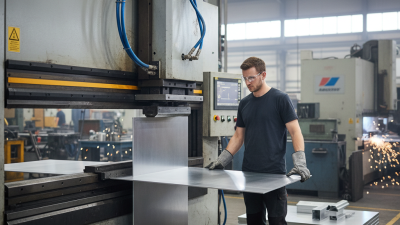
A cutting machine should fit the way you work, not just the materials listed on its specification sheet. Check that guards stay between your hands and moving parts, and that the emergency stop is easy to reach. The material should sit securely without awkward pressure. Read the operating instructions before judging whether a safety feature suits your routine. That matters.
Measure the machine, then leave room to load long sheets, move finished pieces, and clean around it. A tight corner can make ordinary tasks frustrating. Check power needs, noise, and dust collection, too; a nearby outlet does not solve every workspace problem. Measure twice.
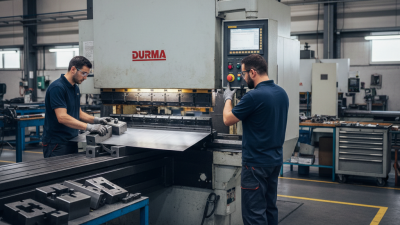
Maintenance affects both accuracy and downtime. Ask how often blades or other cutting components need inspection, how they are replaced, and whether common parts are readily available. Look for accessible cleaning points, since packed dust or scraps can interfere with operation. A simple care schedule is useful, though it may not be followed perfectly during busy weeks.
Long-term value depends on suitable capacity, consistent results, repair options, and the cost of consumables—not purchase price alone. Estimate how often you will use the machine and what a stalled job would cost in time. I would not pay for capacity that will sit unused, but choosing too small can become expensive later. Leave room for that uncertainty.